

Online play is disabled(Local / in-room play works normally)
A “LearningWare” watermark appears on the presentation screen during gameplay

DOWNLOAD GAMESHOW PRO
Already a customer? This update installs normally, no registration code needed.
Download the full version of Gameshow Pro. The demo includes two simple limitations (explained below).
Demo Version
The demo lets you build, customize, and play games exactly like the full version, with two restrictions:
Once you purchase Gameshow Pro, you’ll receive a registration code that instantly removes these restrictions—no reinstallation required.
Choose the version for your computer:



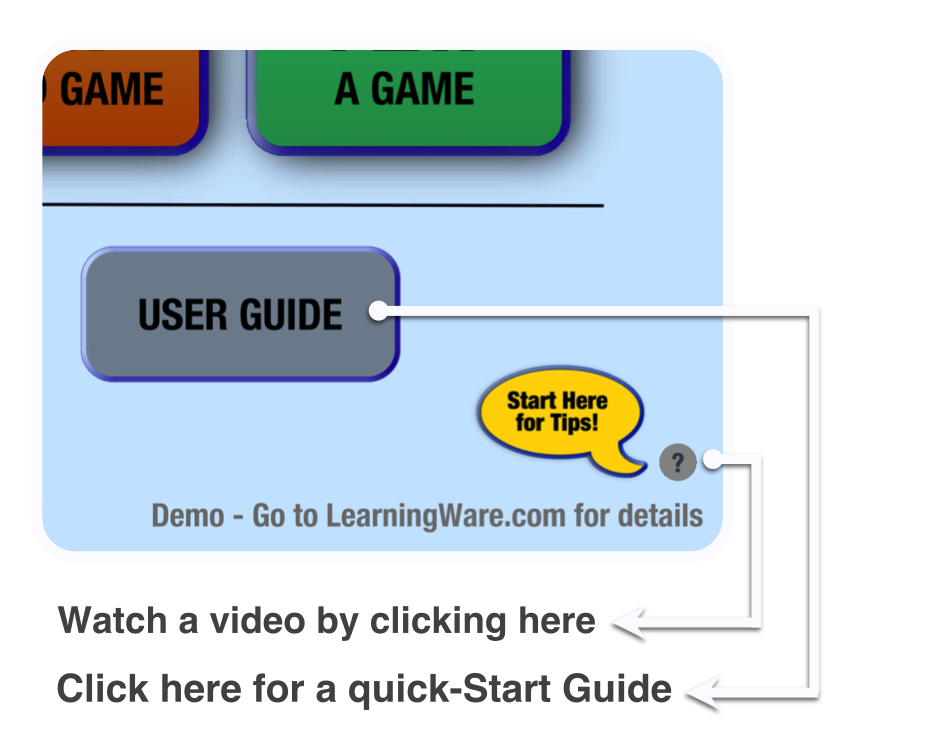
After launching Gameshow Pro, click the Help button.
You’ll see a short video that shows you:
This is the fastest way to get value from the demo.
You can also read the Quick Start Guide, located at the beginning of the User Guide.
Want to see how this works for your training or event?Schedule a free 30-minute, 1-on-1 demo and we’ll: