

Create high-energy game shows that engage every trainee and make your content stick

Setup and customize in minutes.

Play in the room, on Zoom, or both.

Automated timers, scoring, game flow, and more.

Pick the right game for your objective.
Different training needs call for different game styles. Gameshow Pro gives you variety – and we keep expanding the lineup.
Categories organizes your content into fast-paced, topic-based questions. It’s perfect for reviewing facts, drilling details, and energizing any classroom.
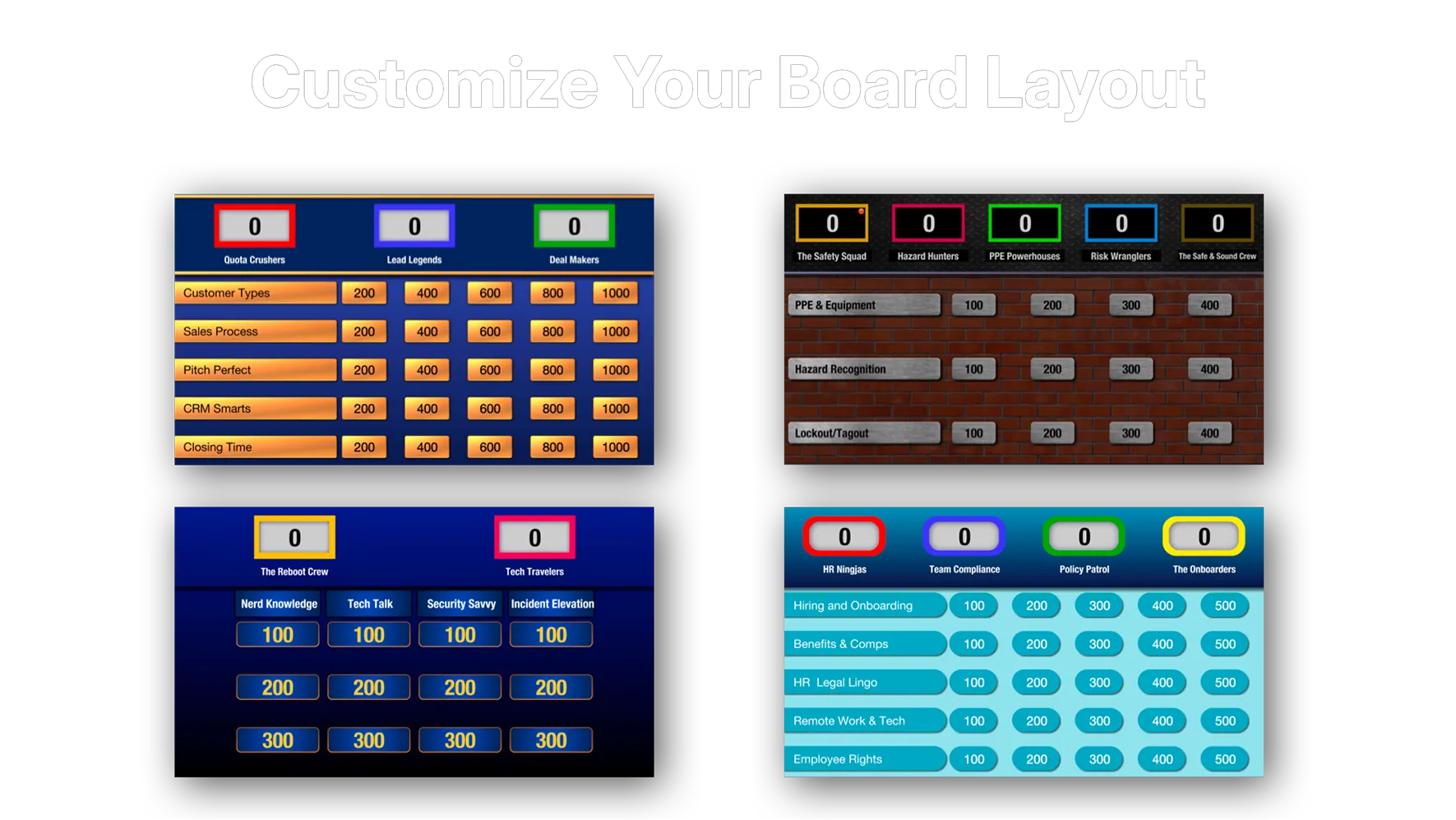
Display a grid of 9 to 25 questions with up to 5 teams
Customize team names, colors, logos and ring-in sounds
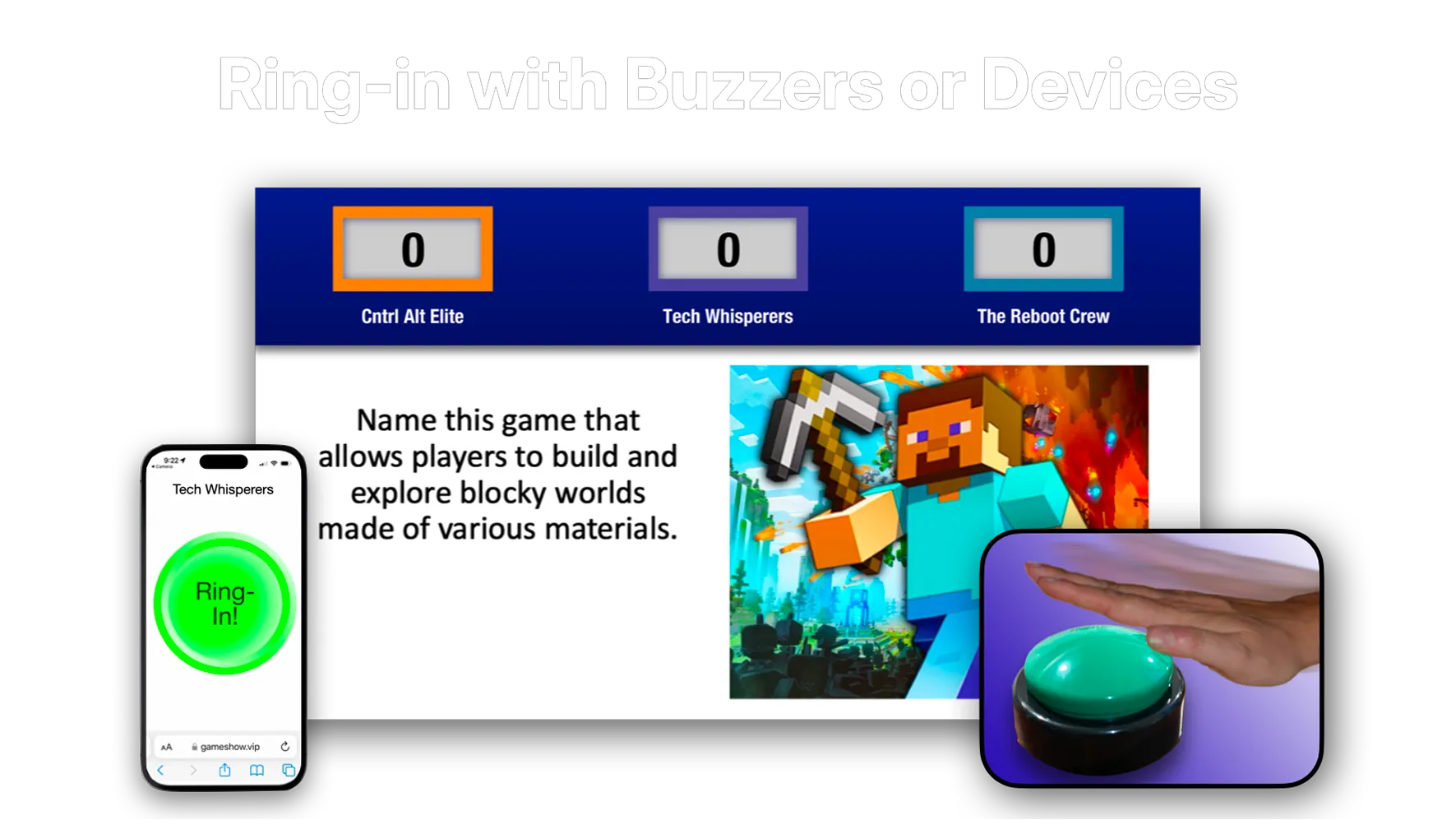
Contestants can ring in using physical slammers (available from third-party suppliers) or their own devices (phone, tablet or laptop)
Trainers can also manually select which teams answers – no ring-in required
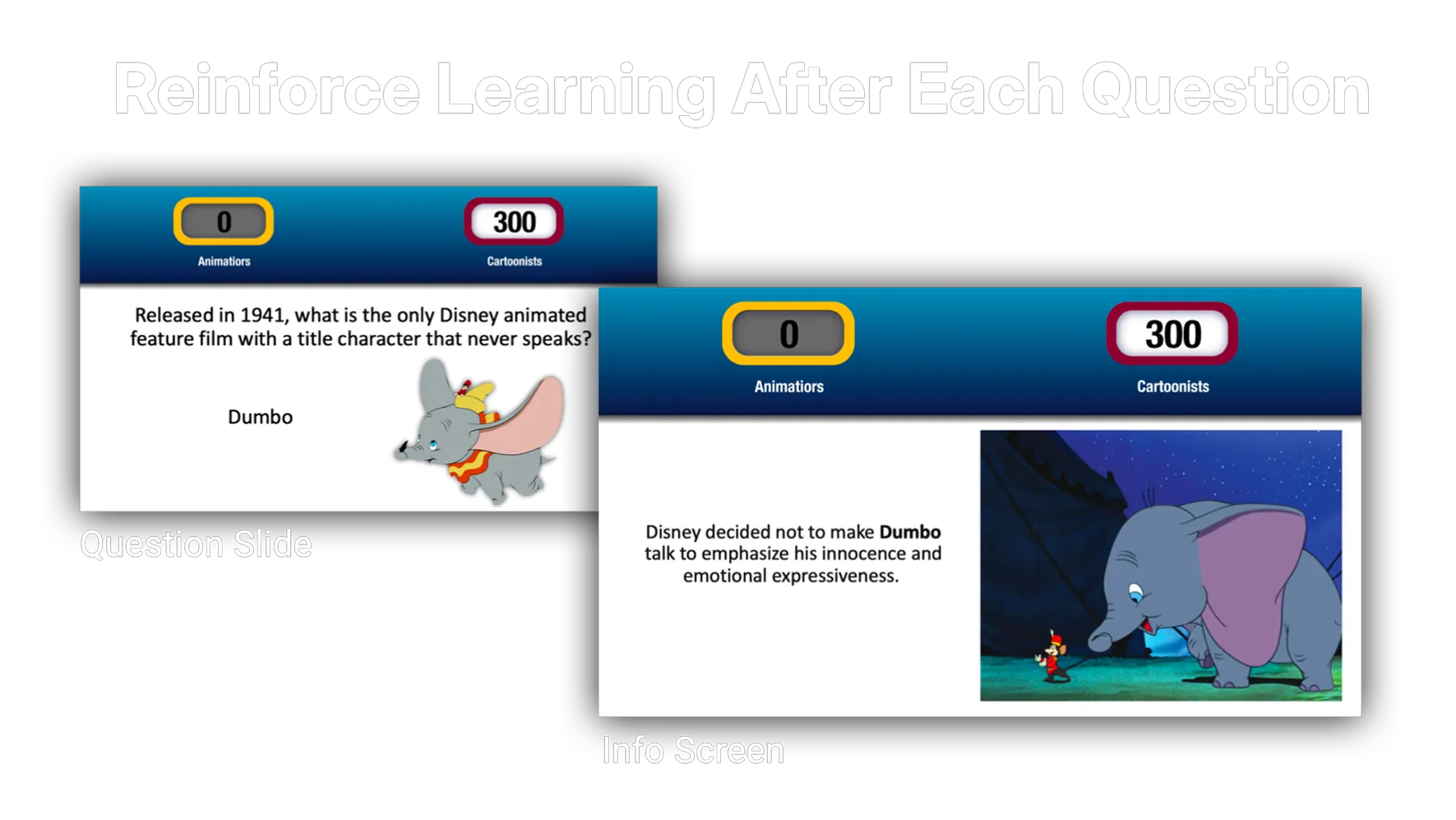
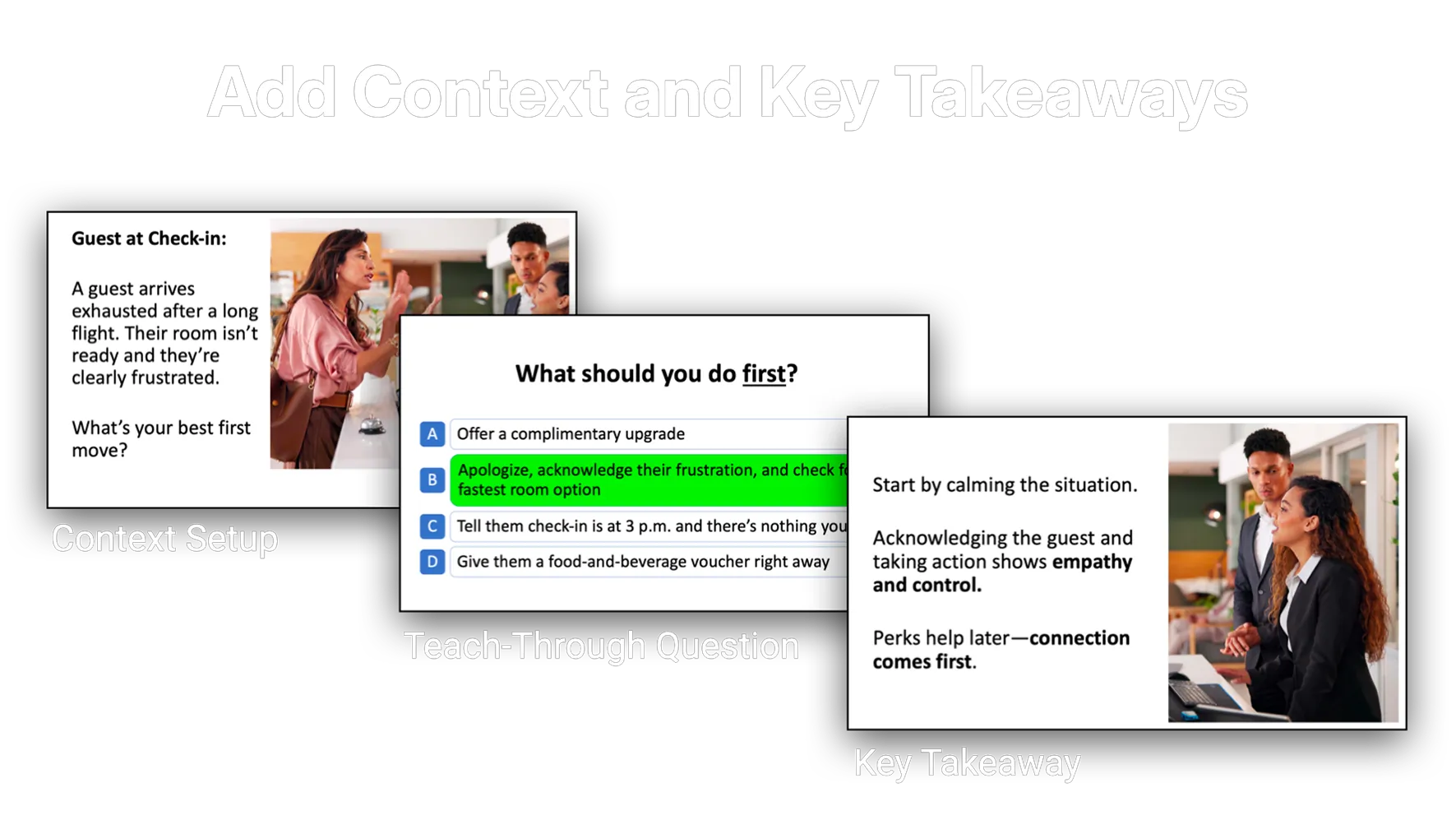
Use info screens after a question to reinforce learning
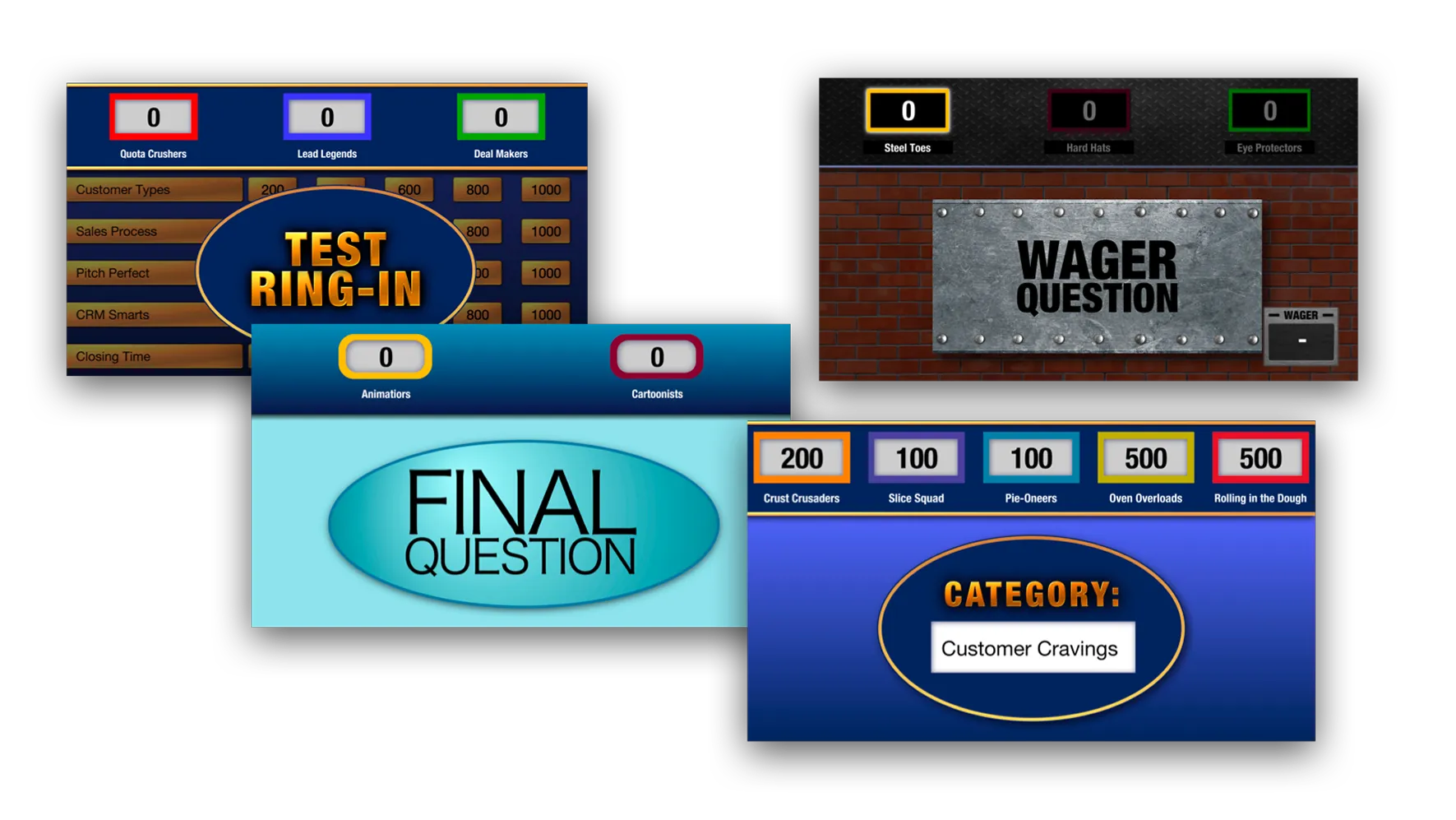
Add unlimited Wager Questions to boost strategy and excitement
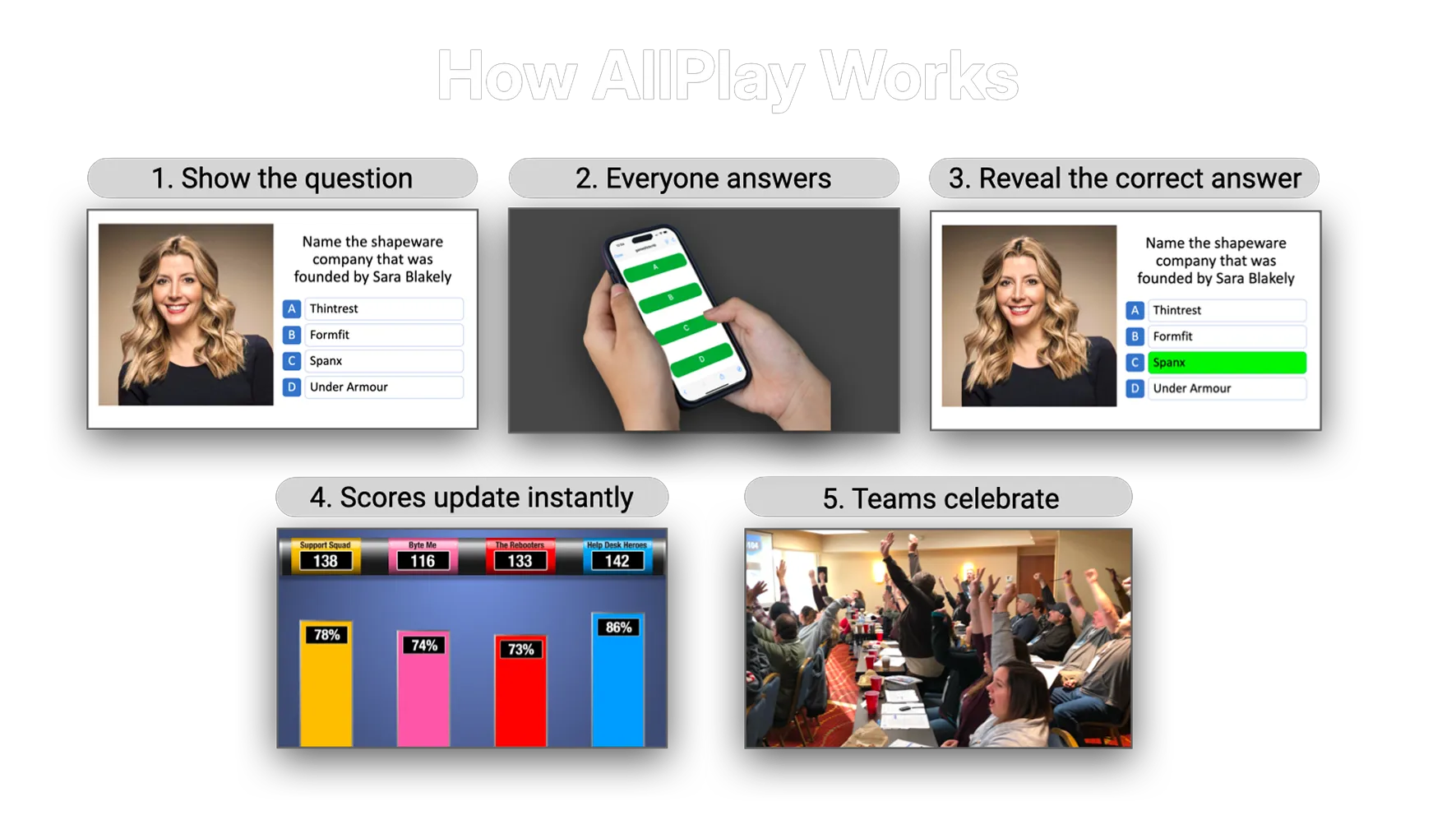
AllPlay is a high-energy game where everyone participates. Learners answer multiple-choice questions on their own devices—phone, tablet, or browser—keeping the entire room involved from start to finish.
Play team vs. team, individual head-to-head, or both at the same time
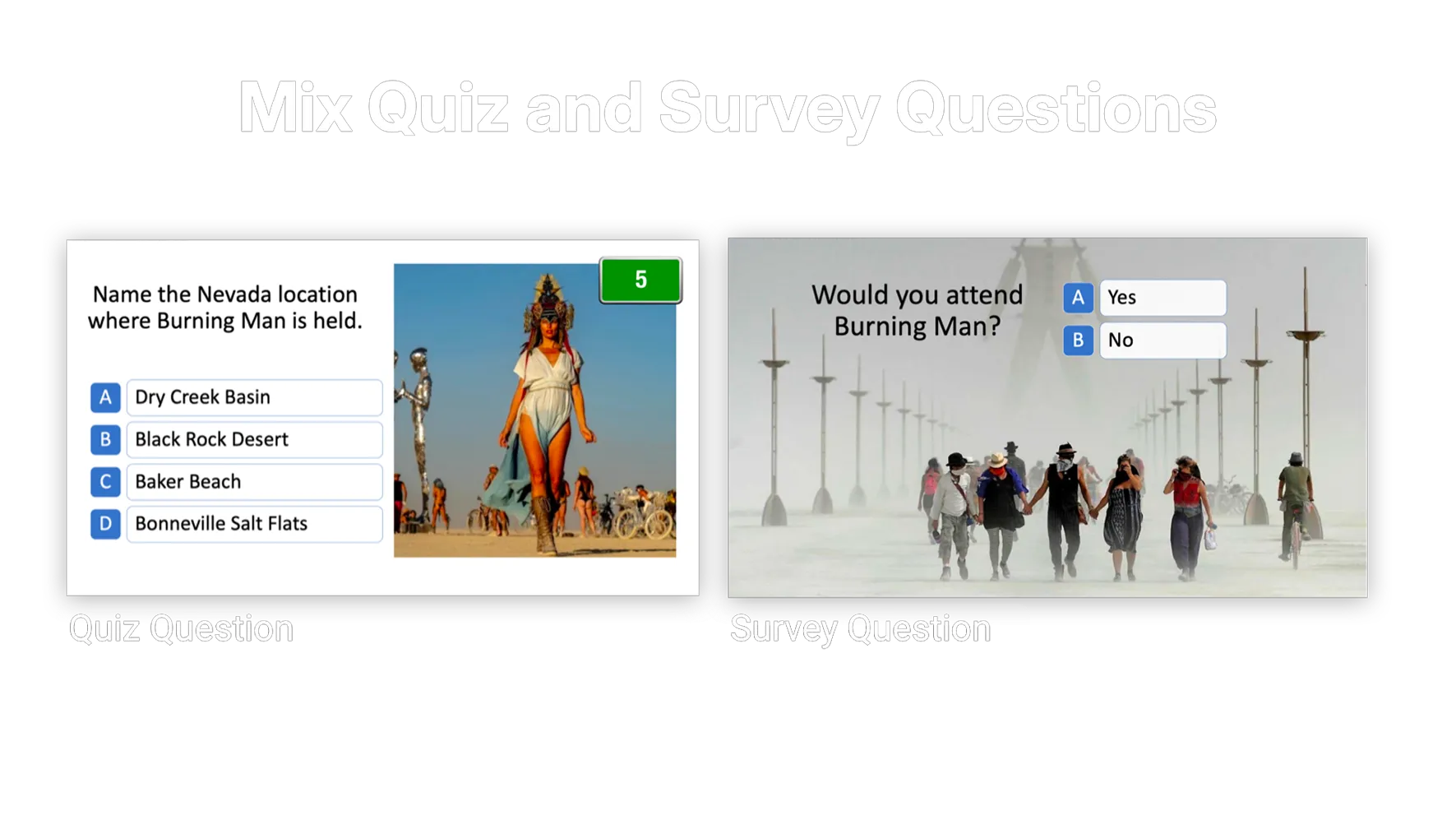
Mix quiz and survey questions in the same game
Info Screens to introduce rounds, teach key points, and display videos
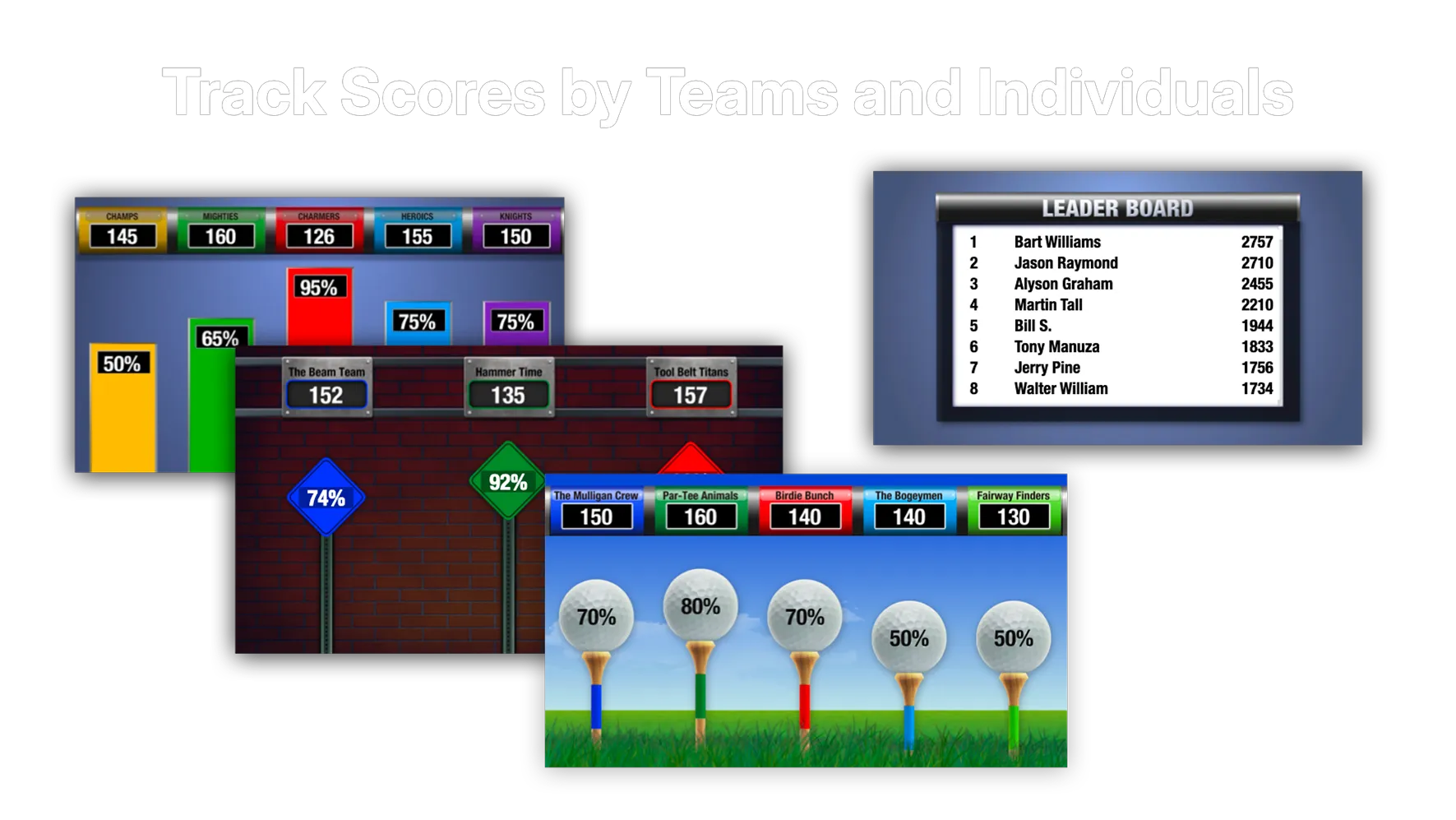
Individual scores can reflect speed, difficulty, and other scoring options
Show a leaderboard to highlight top performers
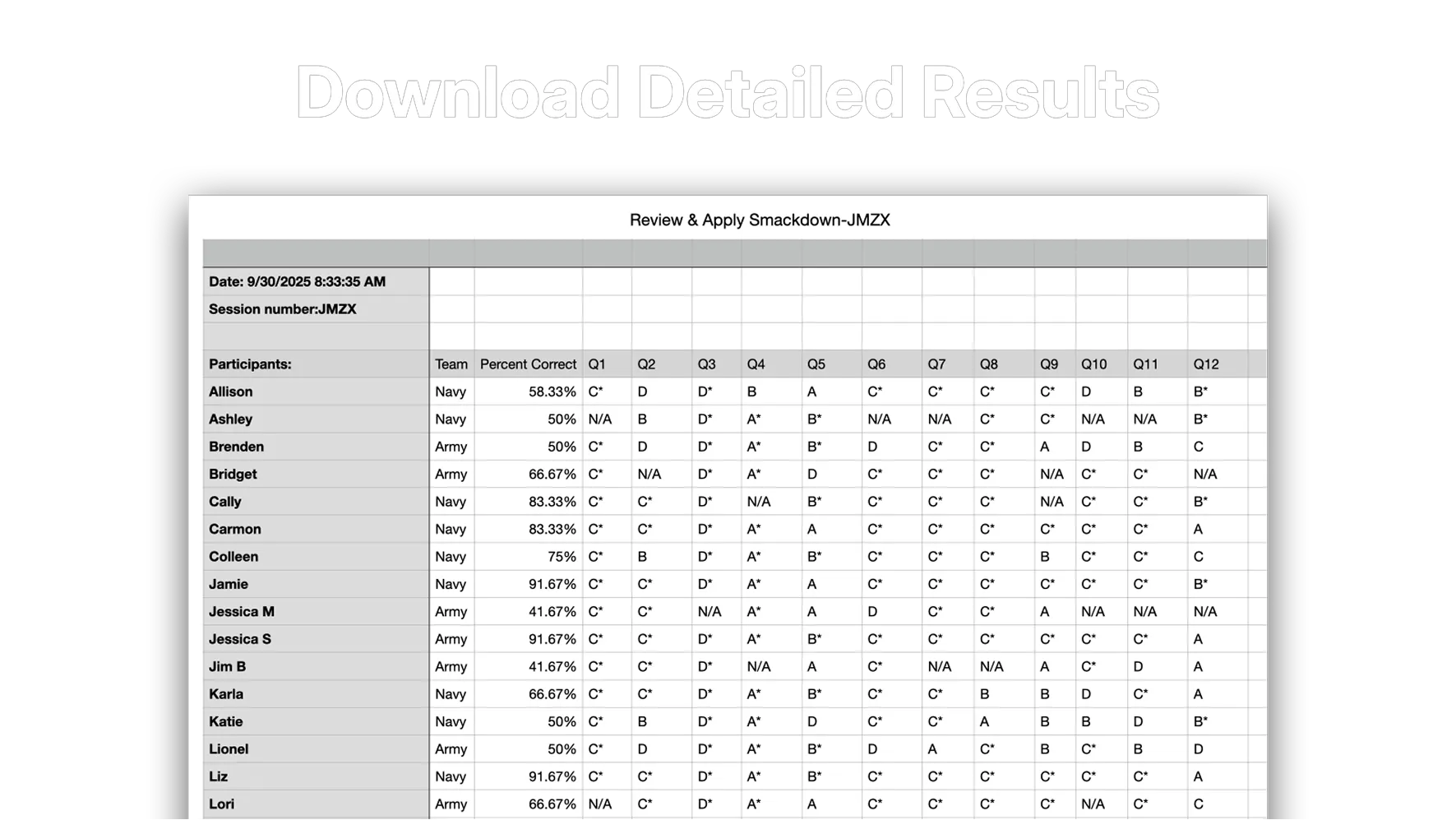
See who answered - and who answered correctly - in real time
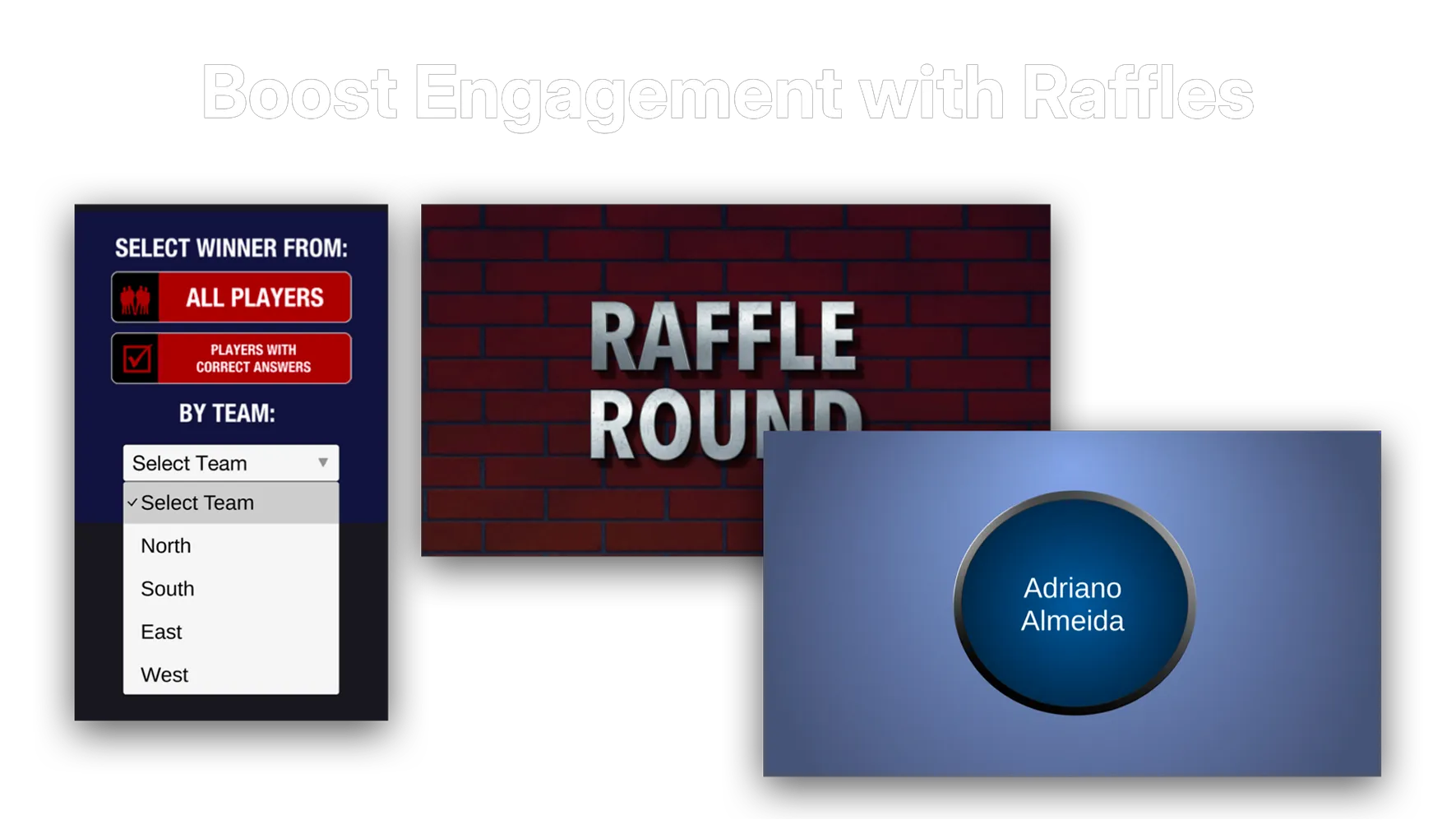
Run electronic raffles directly from the control screen
Control the game using a wireless presenter remote
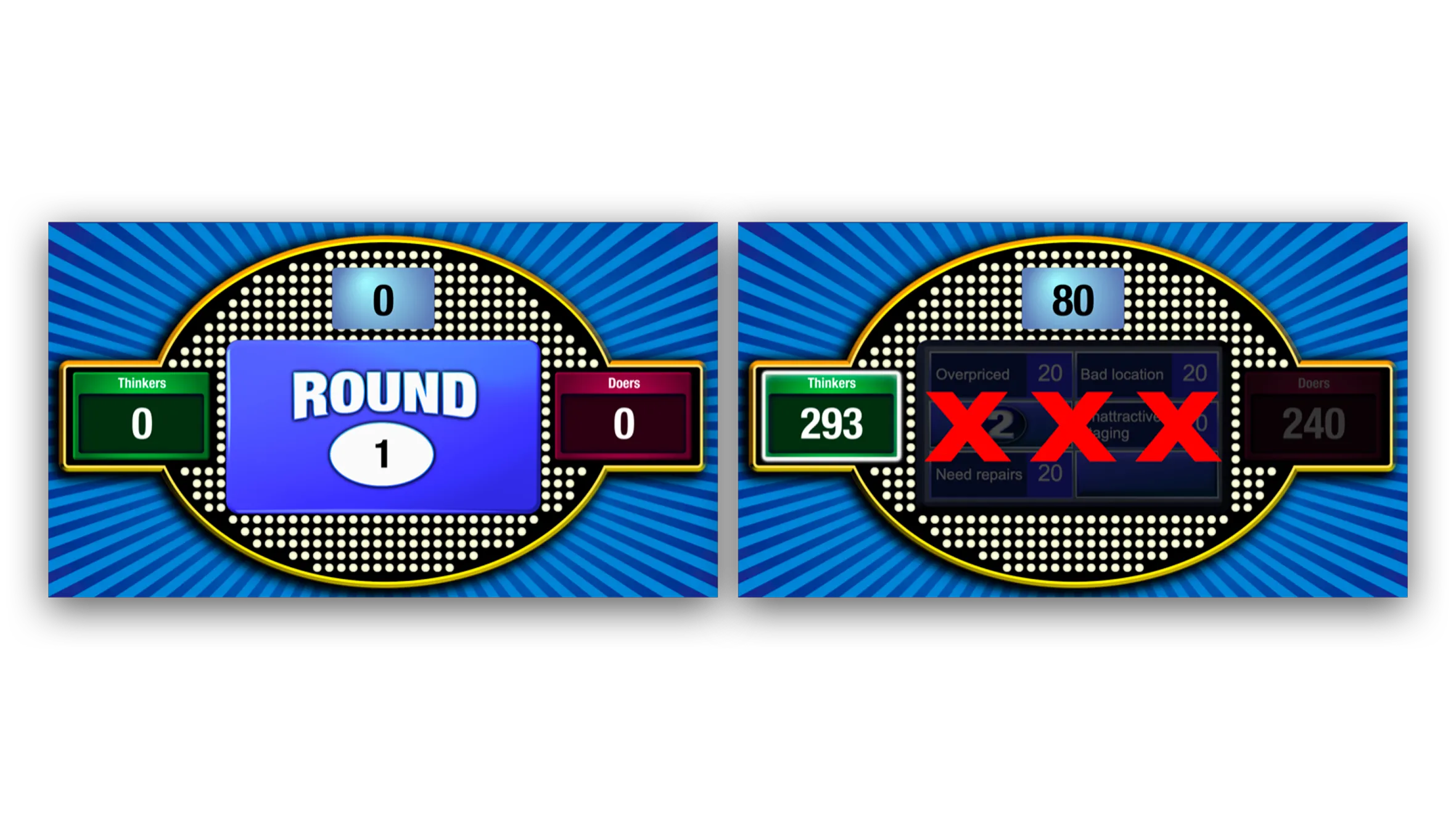
A collaborative, high-energy game designed for questions with multiple correct answers. It's ideal for survey results, procedures, lists, step-by-step processes, and anything with several key points to uncover.
Display 3 to 8 answers on the game board
Teams can ring in using physical buzzers or their devices
Two ways to play:
Standard: The team to win the toss-up controls the board
Take Turns: Teams alternate guessing answers; each correct reveal earns points for that team
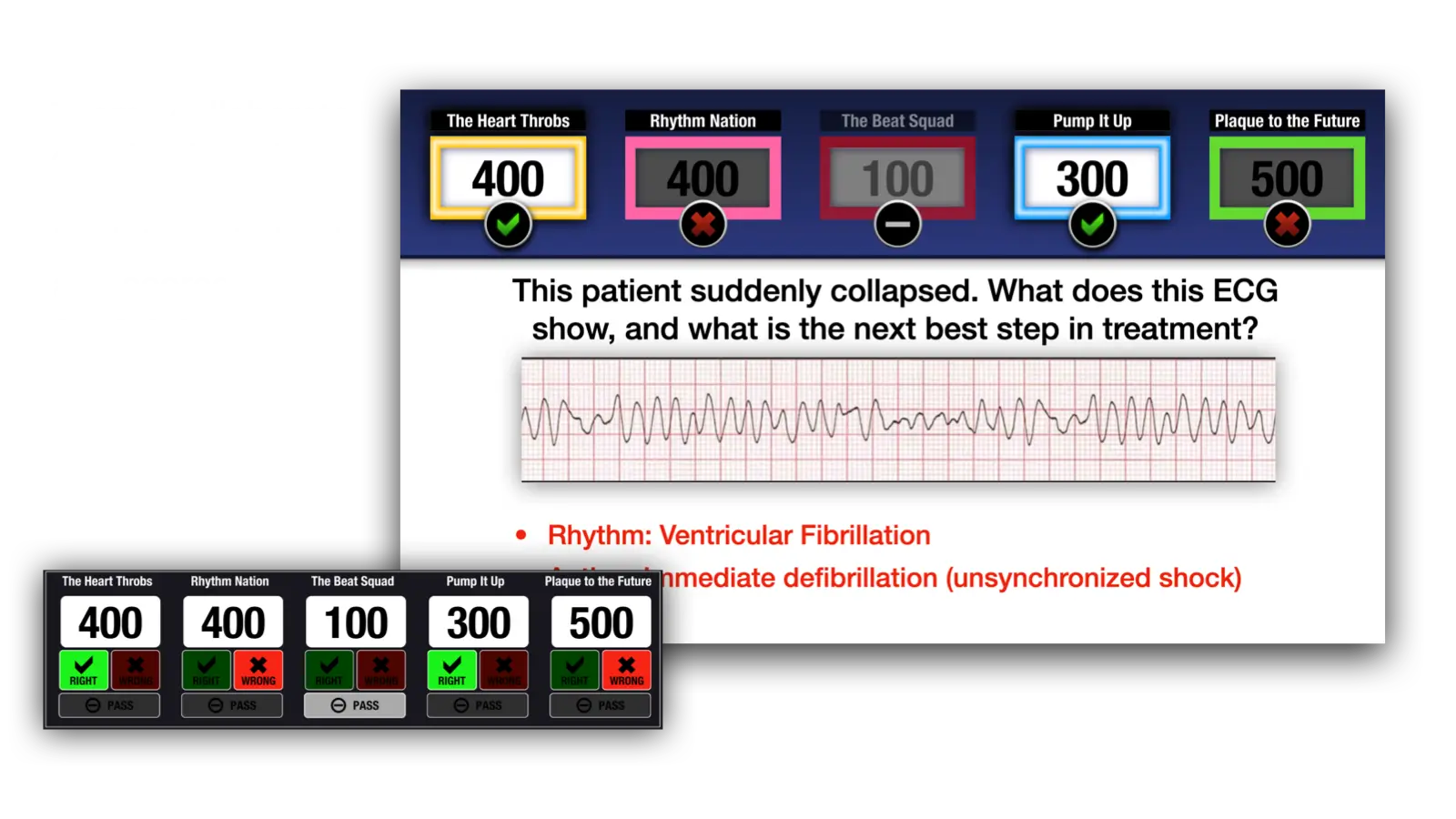
Right-Wrong-Pass gives you maximum flexibility for scenario-based learning, sales training, problem-solving exercises, and any topic where judgment and discussion matter. It encourages collaboration, critical thinking, and lively group engagement.
Up to five teams can compete
Let all teams answer at once (writing answers on whiteboards and judged individually) or you can move from one team to another
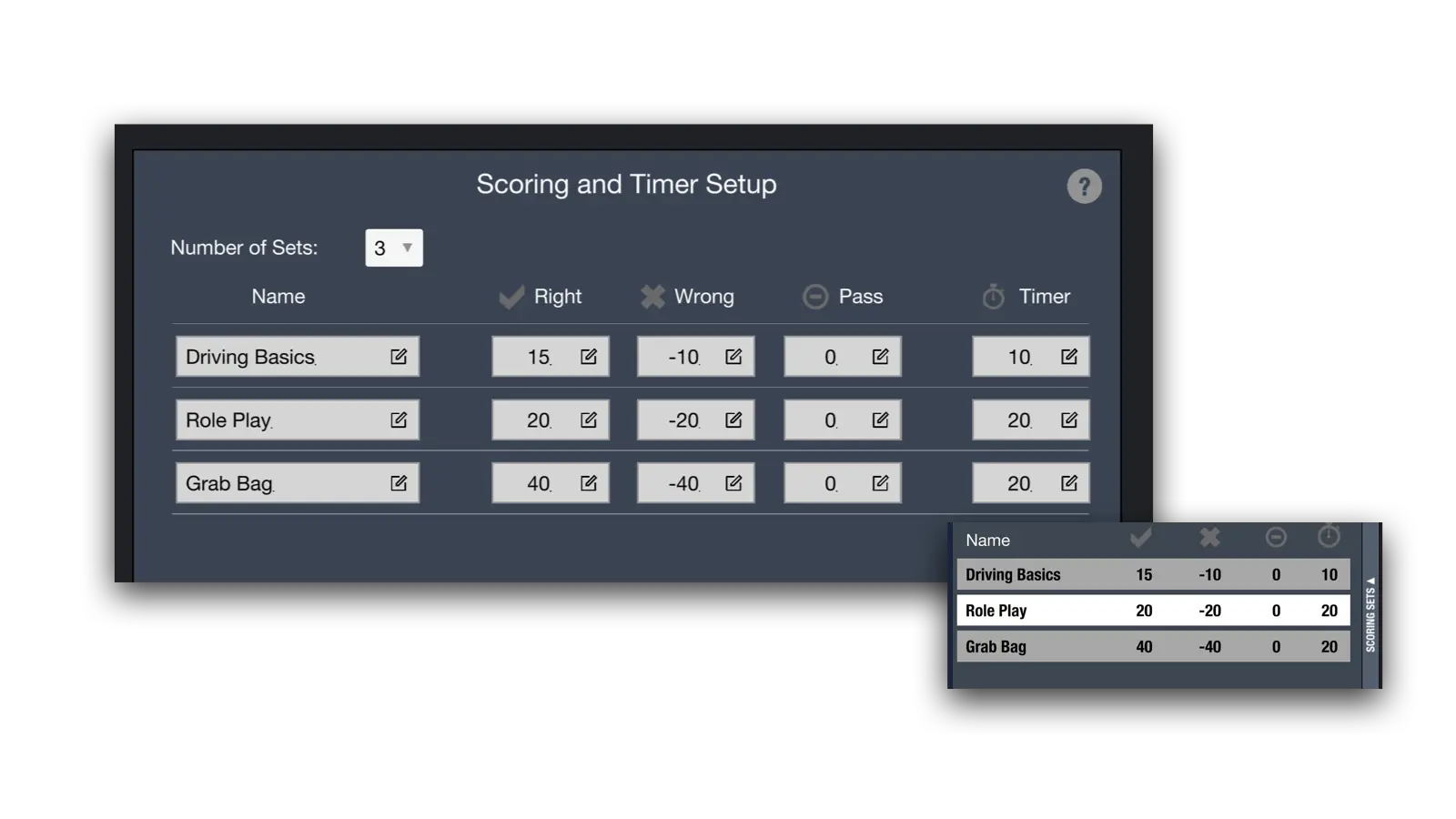
Flexible scoring and timer options that can be switched on the fly
Can be used alongside physical challenges to increase interaction
We designed Gameshow Pro so you can focus on content – not creation.
Step 1
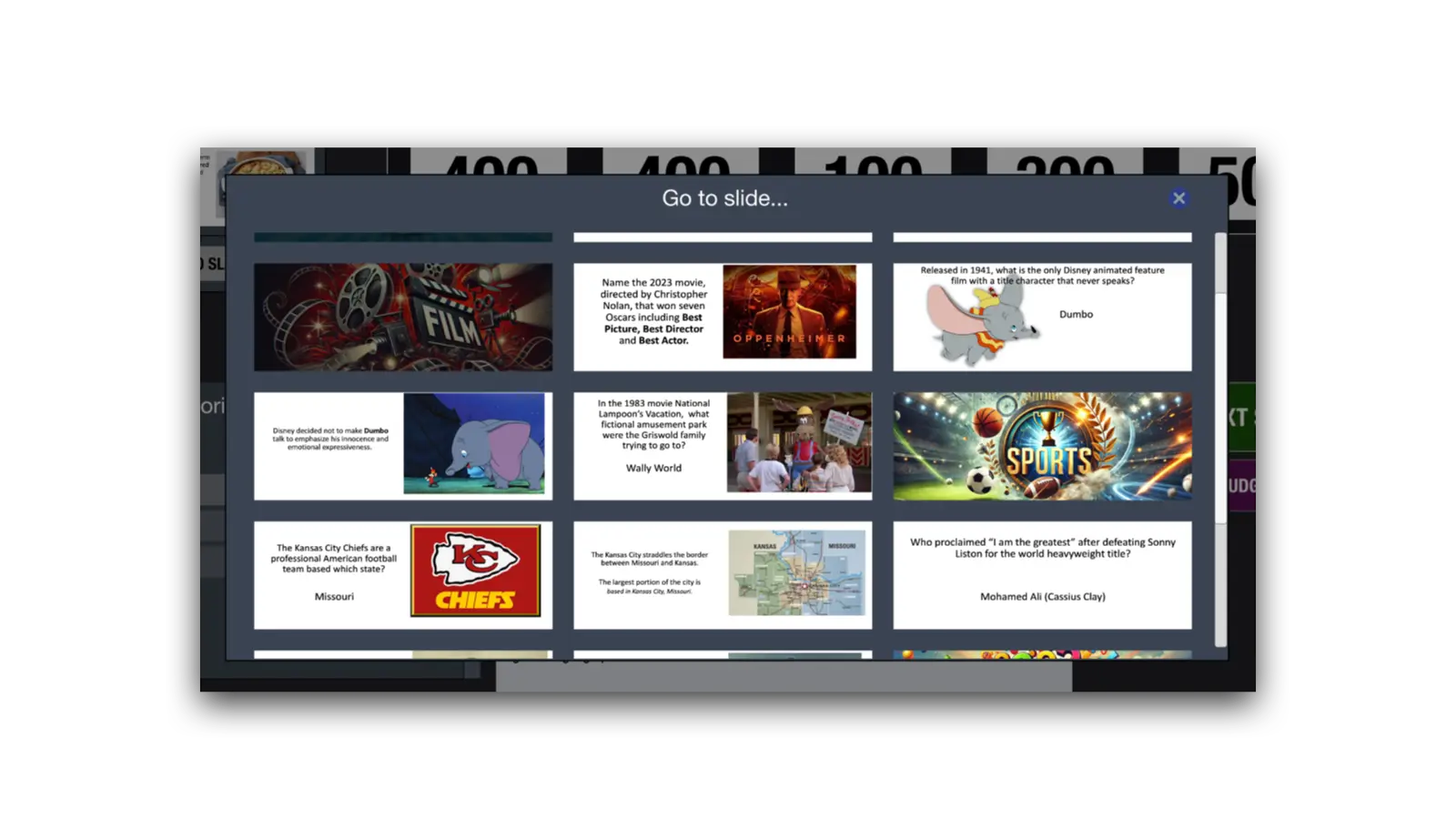
Create media-rich questions and Info Screens using our ready-made PowerPoint templates.
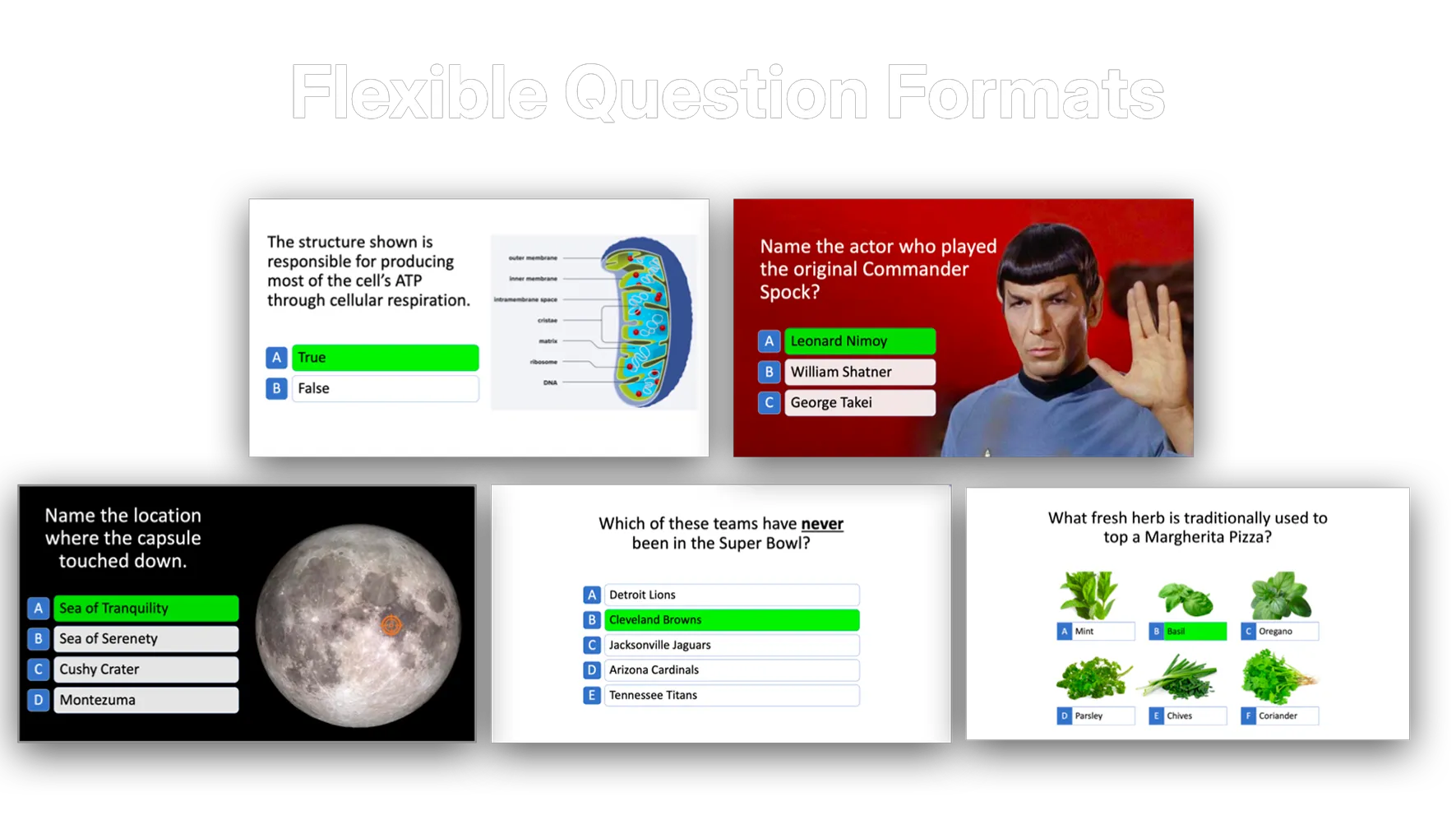
Multiple-choice and open-ended question types
Change layouts with a single click
Import questions from Excel
Create questions on any computer with our PowerPoint templates - Gameshow Pro not required.
Add reminders (instructions, alternate answers, key points) in PowerPoint Notes — they'll appear privately on your control screen
Step 2
Choose your game format, import your questions, and let Gameshow Pro guide you through the setup to create the perfect game—scoring, timers, team settings, sounds, music, and more.
Click on options or select from simple dropdown menus
Built-in help videos explain each setting as you go
Step 3
Your audience sees the game on the presentation screen while you control everything from your laptop.
Correct answers appear privately on your control screen for easy judging
Buttons and controls appear only when you need them
Gameshow Pro handles the heavy lifting — team selection, timers, scoring, and more
Create questions the way you need them.
Seamless mix of learning and play.
Energize the classroom. Take the Zzzzz out of Zoom.
Run the game from your laptop - focus on your learners.
Add energy, excitement, and emotional impact.
Select a theme to match your content
Review performance and spot learning gaps.
Gameshow Pro is designed to be simple enough for any trainer to use — yet powerful enough to elevate every session. And you're never on your own.
We've produced hundreds of game shows, we know what works, and we're here to share that experience with you. Whether you need quick guidance, want to talk through a specific training challenge, or just want ideas to make your game even better — we've got your back.
You'll also find tips, tutorials, and best practices on our Resources page to help you get the most out of Gameshow Pro.